Introduction
When buying a laptop or building a PC, one of the first specifications people look at is the processor.
You may have seen names such as Intel Core i3, Core i5, Core i7 and Core i9 on laptops, desktops and online stores. But what do these names actually mean? Is an i7 always faster than an i5? Is an i9 necessary for gaming? And what do terms such as K, F, H and U mean?
The answer is more complicated than simply choosing the biggest number.
Intel's processor lineup has evolved significantly, with newer products also using Core 3, Core 5, Core 7 and Core Ultra 5, 7 and 9 branding. That means understanding the exact processor model, generation and specifications is more important than ever.
In this guide, FuturezTech explains Intel processors in simple terms and shows how to choose the right processor for gaming, business, programming, content creation and everyday computing.
What Is a Processor?
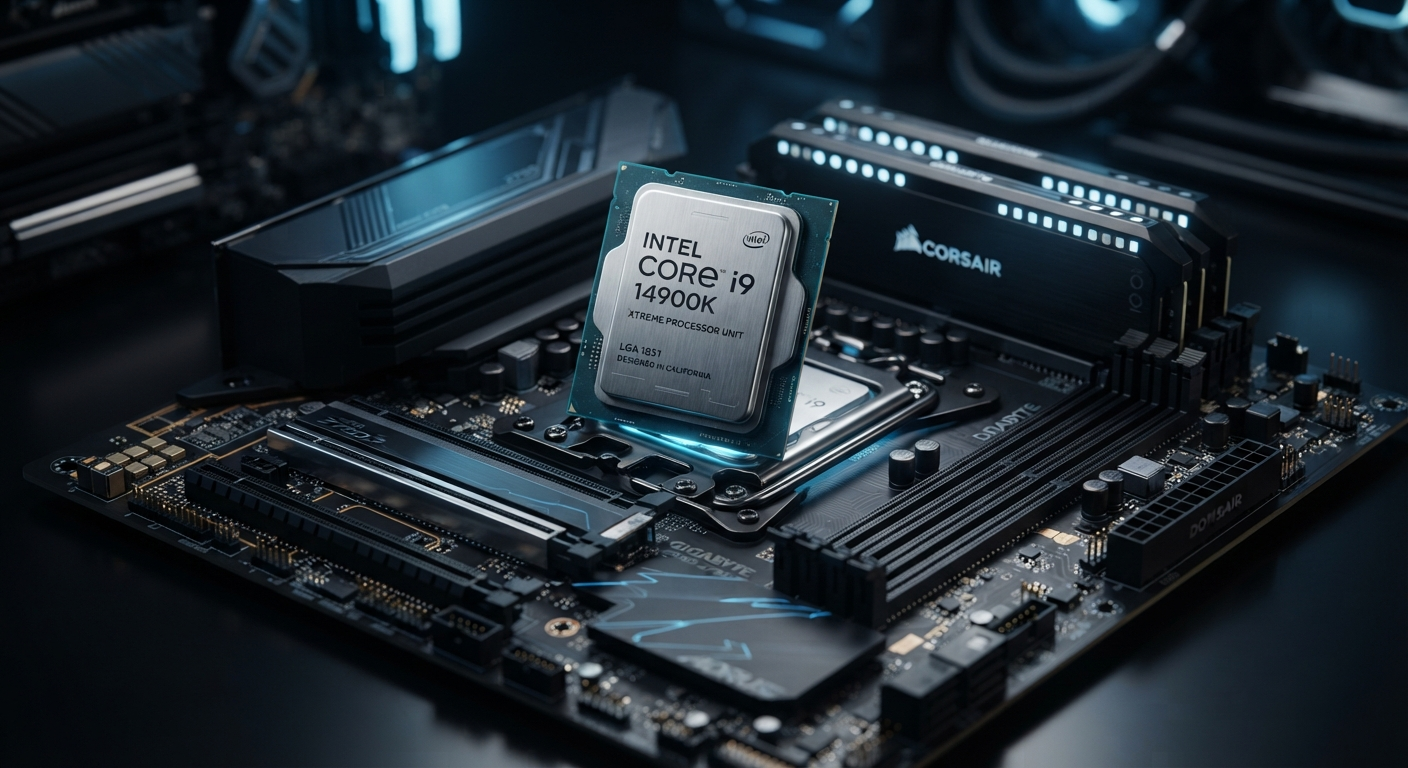
A processor, also known as a CPU (Central Processing Unit), is one of the most important components inside a computer.
The CPU processes instructions generated by the operating system and applications. From opening a browser and running office software to compiling code, editing videos and processing complex workloads, the processor plays a central role in computing performance.
However, CPU performance isn't determined by one specification.
Important factors include:
- CPU architecture
- Number of cores
- Number of threads
- Clock frequency
- Cache
- Power characteristics
- Integrated graphics
- Memory support
- Cooling
- The software being used
This is why comparing CPUs only by their "i3", "i5", "i7" or "i9" label can lead to the wrong conclusion.
What Is Intel?
Intel is one of the world's best-known semiconductor companies and has been a major player in PC processors for decades.
Its Intel Core family became particularly well known through the Core i3, i5, i7 and i9 tiers.
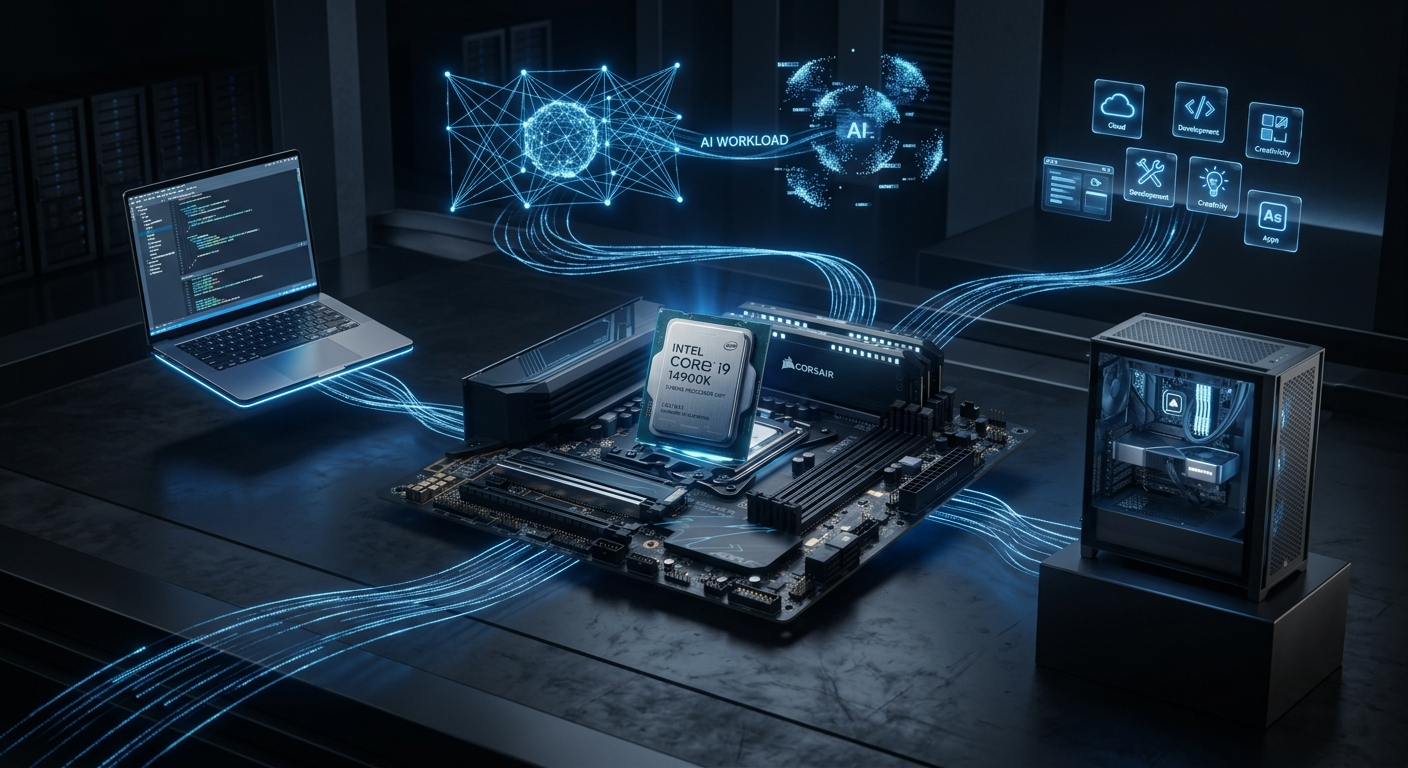
Today, Intel's portfolio is broader. Alongside established Core processors, Intel has introduced newer Core Ultra products and newer Core naming such as Core 3, Core 5 and Core 7.
This evolution is important for anyone researching a new laptop or desktop because modern Intel processors cannot always be compared using the older naming system alone.
Intel Core i3: Entry-Level Performance
Intel Core i3 has traditionally represented an entry-level position within the mainstream Core family.
These processors are generally aimed at users who need reliable everyday computing rather than extreme processing power.
Typical tasks include:
- Web browsing
- Office applications
- Video streaming
- Online learning
- Basic programming
- Social media
- Light photo editing
For these workloads, an appropriately selected entry-level processor can provide a good experience.
But there is an important rule:
A newer lower-tier processor can be a better choice than an older higher-tier processor.
The generation, architecture and exact model all matter.
Who Should Consider Core i3?
Core i3-class systems can be suitable for:
Students • Office Users • Browsing • Streaming • Basic Productivity
If your workload is relatively light, paying considerably more for a high-end processor may not provide enough additional benefit to justify the cost.
Intel Core i5: The Mainstream Choice
Core i5 has traditionally been one of Intel's most popular mainstream processor tiers.
It is positioned between entry-level and higher-performance Core products and can provide a strong balance between performance and cost.
Depending on the exact model, an i5 system can be suitable for:
- Gaming
- Programming
- Productivity
- Multitasking
- Photo editing
- Business applications
- Content creation
- General professional work
For many users, this is where the most practical balance can be found.
Is Core i5 Good for Gaming?
A suitable Core i5 can be an excellent gaming processor.
However, gaming performance depends on the complete PC.
Your:
- GPU
- CPU
- RAM
- Storage
- Game
- Resolution
- Refresh rate
can all affect the final experience.
Buying the most expensive CPU while using an unsuitable graphics card is not a balanced strategy.
Intel Core i7: High-Performance Computing
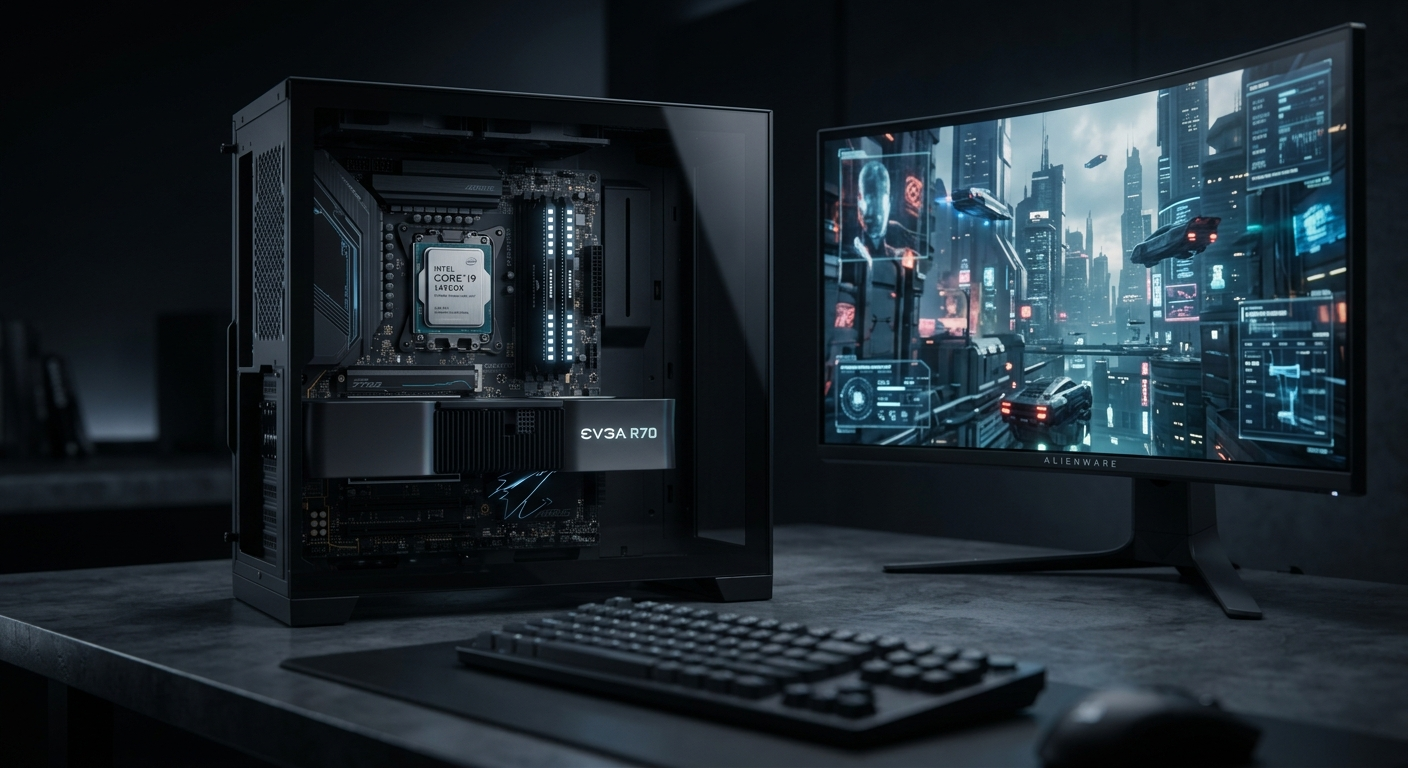
Core i7 has traditionally occupied a higher-performance position within Intel's mainstream Core lineup.
Depending on the generation and model, i7 processors can provide additional processing resources and higher performance capabilities compared with lower-tier models in the same family.
They can be useful for:
- Advanced multitasking
- Video editing
- Software development
- Streaming
- 3D applications
- Content creation
- Professional productivity
- High-performance gaming
But remember:
An older i7 is not automatically faster than a newer i5 or Core 5 processor.
This is one of the most important lessons when comparing Intel CPUs.
Always compare the exact models.
Intel Core i9: Enthusiast-Level Performance
Core i9 has traditionally represented Intel's highest mainstream Core tier.
These processors are aimed at users with demanding workloads who can benefit from additional CPU performance.
Potential use cases include:
- High-end gaming
- Professional video production
- 3D rendering
- Engineering workloads
- Advanced content creation
- Heavy multitasking
- CPU-intensive applications
But an i9 isn't automatically the right processor for everyone.
If your daily tasks consist mainly of browsing, Office applications, streaming and basic productivity, purchasing an i9 may provide little practical benefit compared with a more affordable processor.
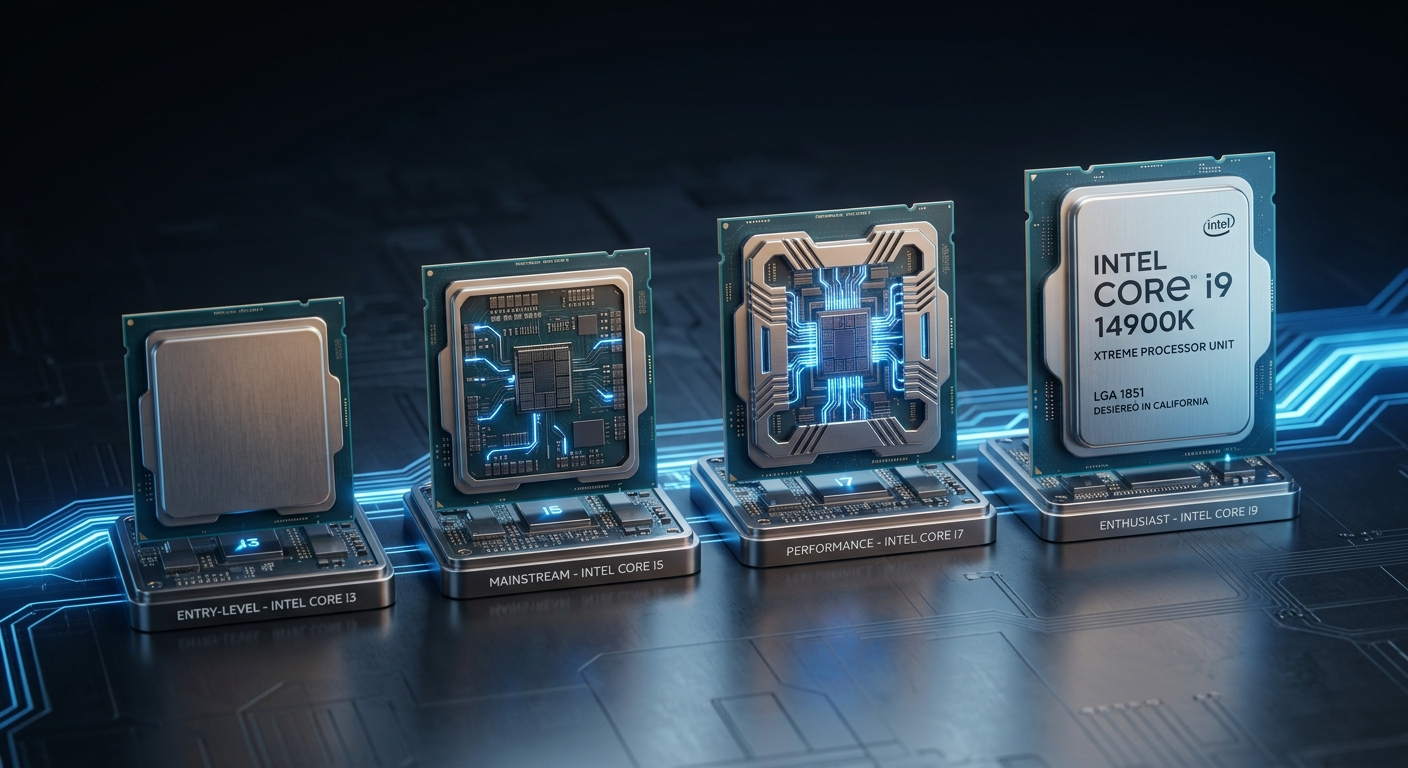
Core i3 vs i5 vs i7 vs i9
| Processor | General Position | Suitable For |
|---|---|---|
| Core i3 | Entry-level | Browsing, Office, Study |
| Core i5 | Mainstream | Gaming, Work, Programming |
| Core i7 | High performance | Creation, Advanced Gaming |
| Core i9 | Enthusiast | Heavy Professional Workloads |
This is a general guide, not a rule for every processor generation.
The exact model should always be checked before purchasing.
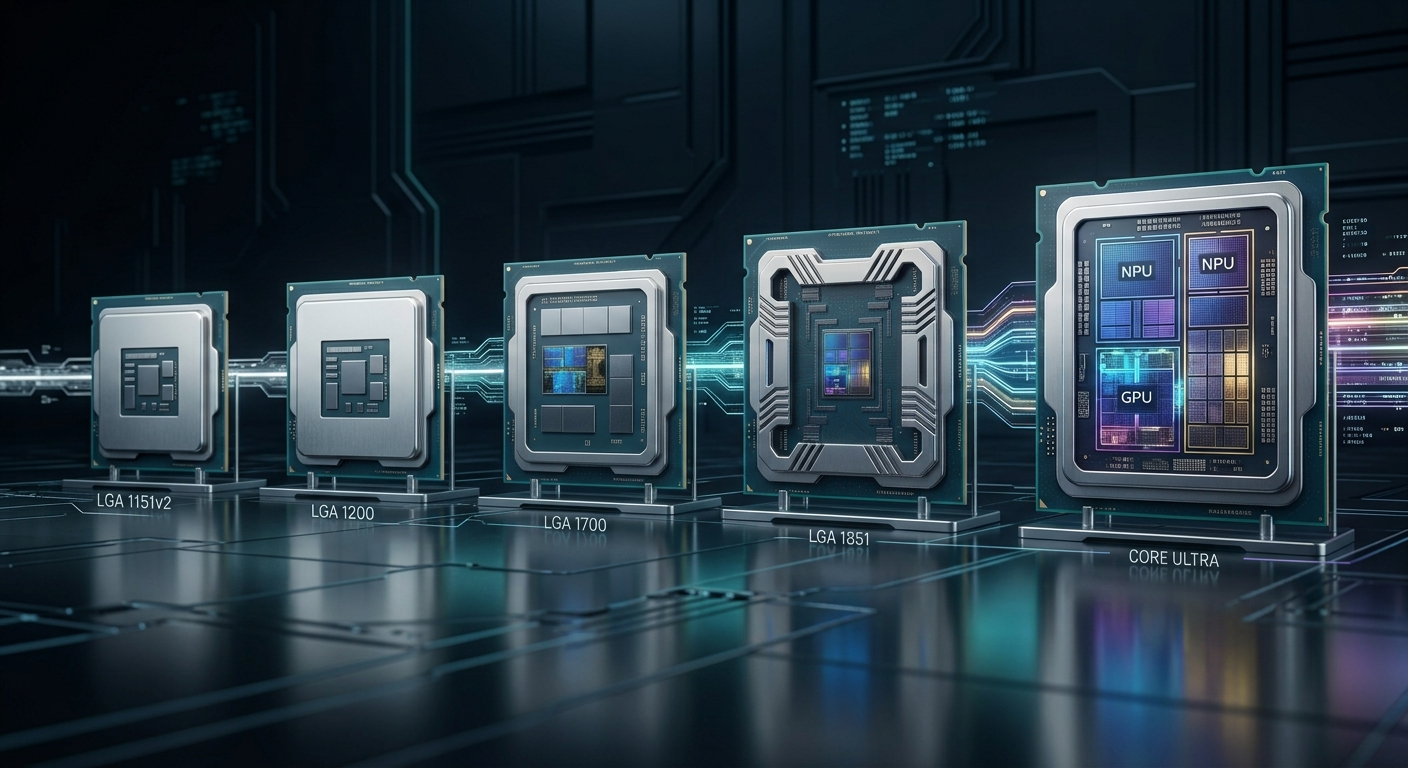
Why Intel Processor Generation Matters
One of the biggest mistakes buyers make is comparing CPUs only by their i3, i5, i7 or i9 designation.
The generation and architecture can make a major difference.
For example:
Older i7 ≠ automatically faster than newer i5
Newer generations can introduce improvements in:
- CPU architecture
- Performance
- Efficiency
- Core design
- Memory support
- Connectivity
- Integrated graphics
- Platform capabilities
Therefore, the correct way to compare processors is to look at the exact processor model.
Understanding Intel Processor Names
Consider a processor name such as:
Intel Core i7-14700K
The name contains useful information.
Core i7
This identifies the processor tier.
14700
This identifies the specific processor model within that naming generation.
K
This is a processor suffix that provides additional information about the product's characteristics.
Processor naming can vary across Intel product families, so the exact model should always be checked against Intel's official specifications.
What Do Intel Processor Suffixes Mean?
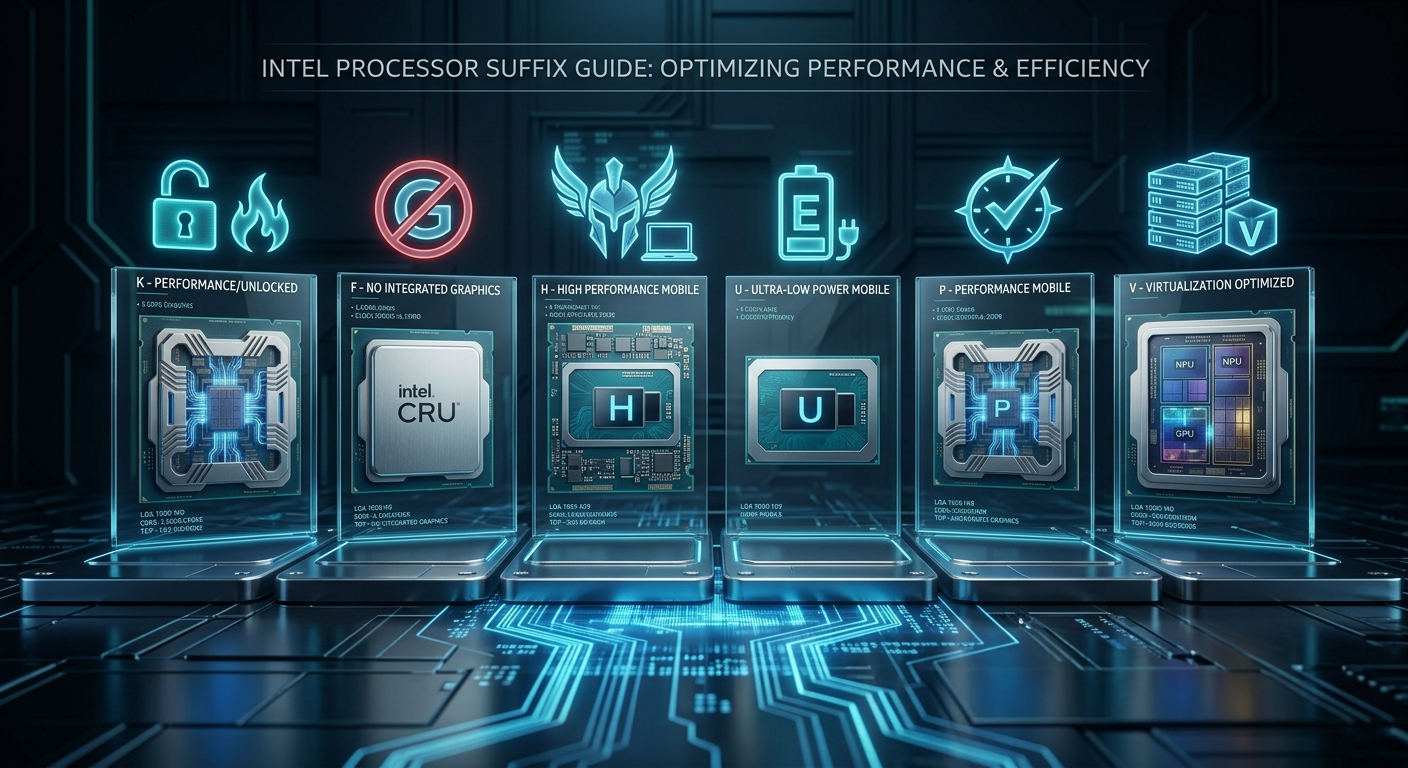
Intel processor suffixes can help identify the intended characteristics of a processor.
K
K generally identifies an unlocked desktop processor designed for users interested in additional tuning capability.
F
F identifies a processor without usable Intel processor graphics, meaning a discrete graphics solution is required for display output.
H
H is commonly used for higher-performance mobile processors.
U
U is commonly associated with power-efficient mobile processors.
P
P is used for performance-oriented thin-and-light laptop processors.
V
V is used in Intel's Lunar Lake processor naming.
Suffix meanings can vary by product family, so checking the exact Intel specification page remains important.
Intel Core vs Intel Core Ultra
This is one of the most important developments for modern Intel buyers.
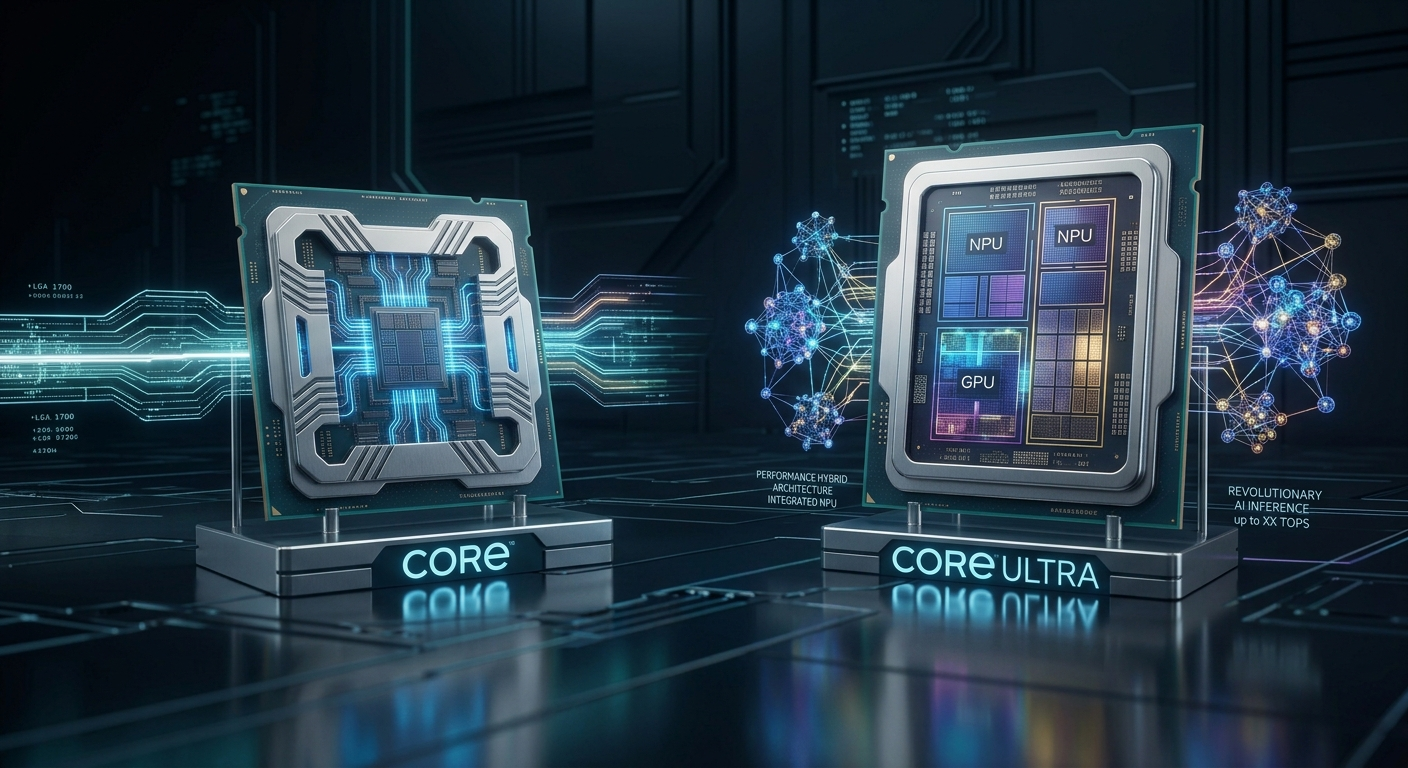
Intel's newer portfolio includes Intel Core Ultra processors.
Core Ultra includes processor tiers such as:
- Core Ultra 5
- Core Ultra 7
- Core Ultra 9
Supported Core Ultra processors can include dedicated AI processing capabilities through an NPU, alongside CPU and GPU resources.
This makes Core Ultra particularly relevant to modern laptops and computers designed around AI-enabled workloads.
However, Core Ultra should not simply be treated as "i5/i7/i9 with a new name."
It represents a newer product direction and architecture.
What Is Intel Core 3, Core 5 and Core 7?
Intel has also introduced a newer naming structure using:
- Core 3
- Core 5
- Core 7
These products sit alongside Intel's broader processor portfolio.
This means that when researching a computer in 2027, you may encounter several Intel naming families.
The important lesson is:
Don't judge a processor only by its number or branding.
Check the exact model, architecture, specifications and intended workload.
Which Intel Processor Is Best for Gaming?
There is no single Intel processor that is best for every gamer.
A gaming CPU should be selected according to the complete system.
Consider:
- GPU
- CPU
- RAM
- Game type
- Resolution
- Refresh rate
- Budget
- Streaming requirements
- Upgrade plans
For mainstream gaming, a modern mid-range processor can provide an excellent balance.
For high-refresh competitive gaming or CPU-heavy games, a higher-performance processor may make more sense.
For enthusiast systems, premium processors can be appropriate when the rest of the hardware is equally capable.
Which Intel Processor Is Best for Students?
Students don't necessarily need an expensive processor.
For everyday academic work, an entry-level or mainstream processor can be sufficient for:
- Research
- Documents
- Presentations
- Browsing
- Online classes
- Programming
Students working with CAD, engineering software, simulations, 3D applications or advanced development environments may benefit from higher-performance hardware.
The right choice depends on the software used by the specific course.
Which Intel Processor Is Best for Content Creators?
Content creation is another area where the exact workload matters.
Video editing, 3D rendering, motion graphics, photo editing and AI applications can have different hardware requirements.
Creators should consider:
- CPU performance
- GPU performance
- RAM
- Storage
- Cooling
- Software requirements
- Hardware acceleration
A high-end CPU can be useful for demanding workloads, but spending the entire budget on the processor isn't always the smartest strategy.
A balanced workstation is usually more useful than a system with an extremely expensive CPU and weak supporting hardware.
Intel vs AMD
Intel and AMD both offer powerful processors.
There is no universal answer to whether one company is always better.
The right comparison should consider:
- Exact CPU models
- Current pricing
- Performance
- Power efficiency
- Platform
- Motherboard cost
- Gaming performance
- Productivity performance
- Upgrade options
Instead of asking:
"Is Intel better than AMD?"
Ask:
"Which exact processor gives me the performance and features I need for my budget?"
That's the more useful buying question.
7 Intel Processor Buying Mistakes to Avoid
1. Buying Only Because It Says i7
An i7 badge does not automatically make a processor better than every newer CPU.
2. Ignoring the Generation
The generation can significantly affect performance and features.
3. Looking Only at GHz
Clock frequency is useful, but it isn't a complete measure of CPU performance.
4. Ignoring the GPU
This is particularly important when building a gaming or creative workstation.
5. Ignoring Cooling
High-performance CPUs can require suitable cooling.
6. Ignoring Compatibility
Desktop processors require compatible motherboards and platforms.
7. Spending Too Much
The highest-priced processor isn't necessarily the best processor for your workload.
How to Choose the Right Intel Processor in 2027
Before buying, follow this simple process:
Step 1 — Define Your Workload
Are you gaming, studying, programming, editing videos or doing professional 3D work?
Step 2 — Identify the Exact Processor
Don't stop at "Core i5" or "Core i7."
Find the complete model number.
Step 3 — Check the Generation and Architecture
Newer doesn't automatically mean better in every situation, but generation is an important comparison factor.
Step 4 — Check Cores, Threads and Cache
These specifications can help you understand the processor's capabilities.
Step 5 — Check Graphics
Determine whether integrated graphics are included or whether you need a discrete GPU.
Step 6 — Check Power and Cooling
Especially important for high-performance desktop and laptop processors.
Step 7 — Compare the Complete System
CPU performance should be considered alongside RAM, storage, GPU, motherboard and cooling.
Frequently Asked Questions
Is Intel Core i5 good for 2027?
A suitable Core i5-class processor can still be a strong mainstream option, but the exact model and generation should be checked before buying.
Is i7 better than i5?
Usually, higher-tier processors target higher performance, but an i7 is not automatically faster than every i5. Generation and architecture matter.
Is Intel Core i9 worth buying?
An i9 can make sense for demanding workloads, but many users can achieve better value with a lower-tier processor.
What is Intel Core Ultra?
Core Ultra is Intel's newer processor family that includes Ultra 5, Ultra 7 and Ultra 9 products, with supported models featuring dedicated AI processing capabilities.
What does F mean in Intel processors?
F generally indicates a processor without usable integrated Intel processor graphics, requiring a discrete graphics solution for display output.
What does K mean?
K generally identifies an unlocked desktop processor intended for users interested in additional tuning capability.
Should I buy an older Intel processor?
Only when its exact performance, platform, condition and price make sense compared with newer alternatives.
Final Verdict
Intel processors have evolved far beyond the simple i3, i5, i7 and i9 naming system that many PC users grew up with.
Those names remain important for understanding Intel's established Core lineup, but modern buyers should also understand Core 3, Core 5, Core 7 and Core Ultra.
The biggest lesson is simple:
Don't buy a processor because the name sounds powerful. Buy it because the exact model matches your workload.
For basic computing, an entry-level processor can be enough.
For mainstream productivity and gaming, a balanced mid-range processor can offer excellent value.
For professional workloads, higher-performance processors can make sense.
And for modern AI-focused computing, newer Core Ultra platforms deserve serious consideration.
Before purchasing an Intel-powered computer, compare the exact model, generation, architecture, cores, threads, cache, graphics, power characteristics, compatibility and total system cost.
That's the smarter way to choose an Intel processor in 2027.
Technology moves quickly. Understanding what you're buying is just as important as buying powerful hardware.